
Guides
Save and manage sessions
Capture tabs, groups, windows, and display geometry in a Tab Organizer session file.
Switch to DeutschA session records the browser layout you may want to recreate later. Saving does not close current tabs, but the exported file can contain sensitive browsing information.
Session scope
This version captures normal Chrome windows across the current browser session, including:
- each tab's URL, title, favicon URL, pinned state, and active state;
- native group title, color, and tab membership;
- window position, size, state, and focus metadata; and
- connected display bounds and work areas used to map window geometry.
The export is a JSON-based .tabsession file with schema version 1.0.0. It is not a snapshot of forms, page memory, unsaved editor contents, authentication state, or every other live page detail.
Save a session
- Arrange tabs and windows in the layout you want to keep.
- Open Tab Organizer and select Save session.
- Review any warning about windows that are less than 50 percent visible in a display work area.
- If the warning appears, reposition the affected windows and restart the save, or continue only if that geometry is intentional.
- Choose the save location when the browser offers that option.
- Complete the save and verify that a
.tabsessionfile was created.
The extension also adds the full captured session to Recent Sessions in local extension storage. It keeps up to five recent sessions.
Name a session
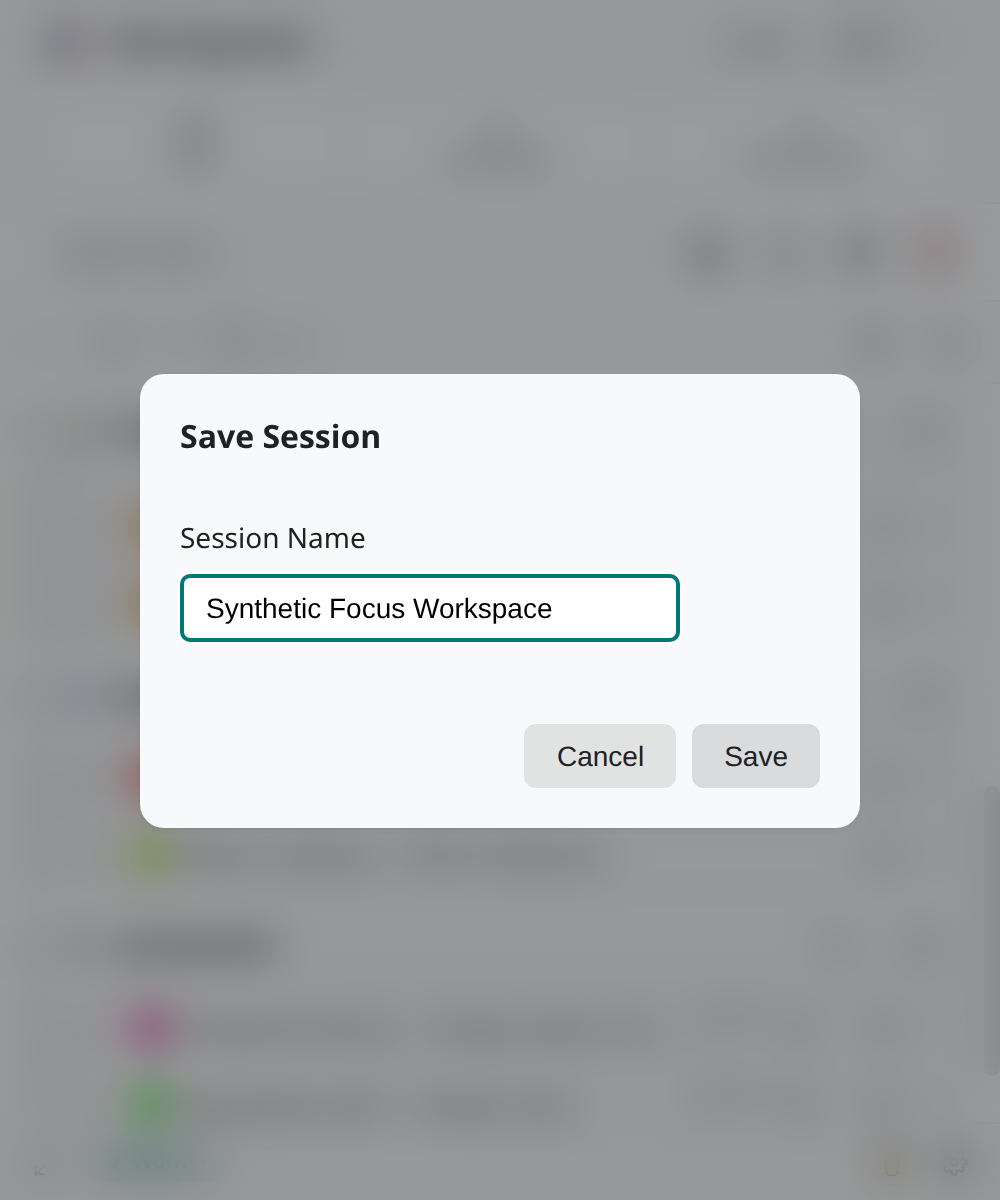
In Save Session, enter a recognizable value in Session Name before saving. Prefer a purpose and stable context, such as Quarterly research — two windows, rather than confidential client names or account identifiers.
The name helps distinguish recent entries and exported files. It does not remove or conceal the URLs and metadata stored inside the session object.
Manage recent sessions
Open Recent Sessions from the session controls to inspect locally retained captures. From there you can load an entry or use Delete Session to remove that recent entry.
Recent Sessions and exported files are separate copies:
- deleting a recent entry does not delete a
.tabsessionfile already saved to disk; - deleting a file from disk does not remove the recent local copy; and
- only the five most recent full session objects remain in the extension's local Recent Sessions list.
For file contents and compatibility, see Session files. Before loading any session, follow Restore a session.