
Guides
Create and manage custom groups
Add custom groups, assign tabs, choose colors or gradients, and maintain group names in Tab Organizer.
Switch to DeutschCustom groups add your own labels to the built-in automatic categories. Their names and color settings are stored in Chrome Sync when that storage is available.
Create a group
- Open the Groups view.
- Select New Group or the add-group control.
- Enter a unique group name.
- Select Save.
- Confirm that the new group appears in the group selector.
If This group already exists appears, choose a different name. A custom group defines a destination for manual assignments; creating it alone does not move tabs.
Assign tabs
For each tab you want to move:
- Find the tab in Groups.
- Open its Assign group selector.
- Choose the custom group.
- Verify that the tab appears under the new heading.
When native sync is active, the extension applies current group assignments to Chrome Tab Groups. Review the sync overwrite boundary before enabling it.
Group colors
Select Edit Group Color for a custom group. You can choose:
- Single Color for one solid value;
- Gradient with separate start and end colors; or
- a preset gradient, with the result shown in the preview.
Select Accept to keep the color change. Color and gradient settings can use Chrome Sync along with custom group names. If Chrome reports Sync Storage Full, remove unused custom groups or shorten group names, then retry.
Edit a group
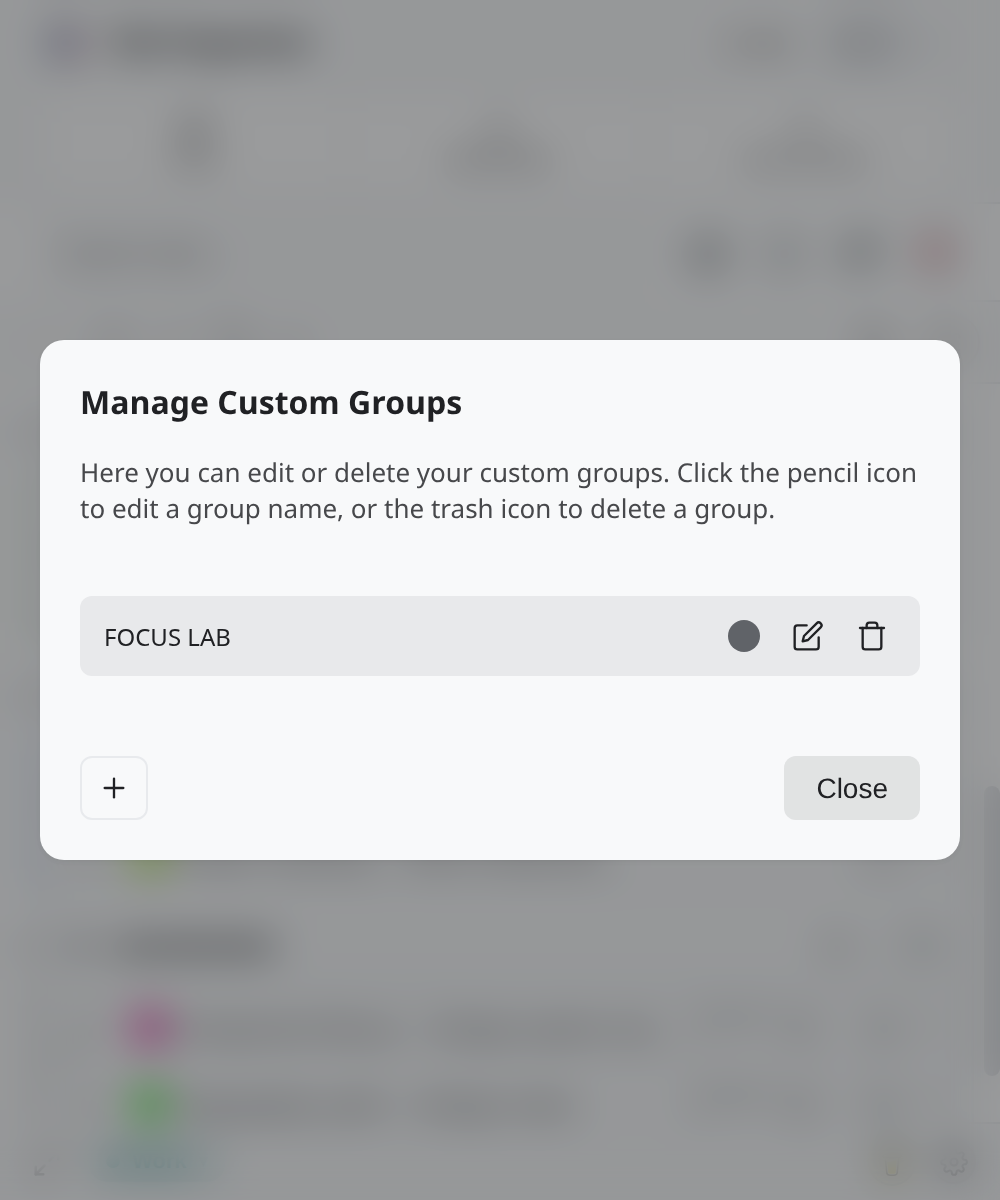
Open Manage Custom Groups to rename or delete a custom group:
- select the pencil control, change the name, and save to rename it;
- select the trash control to open Delete Group?; or
- close the dialog without saving to keep the current configuration.
After any edit, check the Groups view. A Chrome Sync quota or storage error means the new custom-group configuration might not have been saved; the extension reports this condition explicitly.