
Help
Troubleshooting
Diagnose grouping, sync, session, and search problems in Tab Organizer before escalating to support.
Switch to DeutschStart by opening chrome://extensions, finding Tab Organizer, and confirming the installed version shown there. Record any message exactly before refreshing or changing state.
Grouping issues
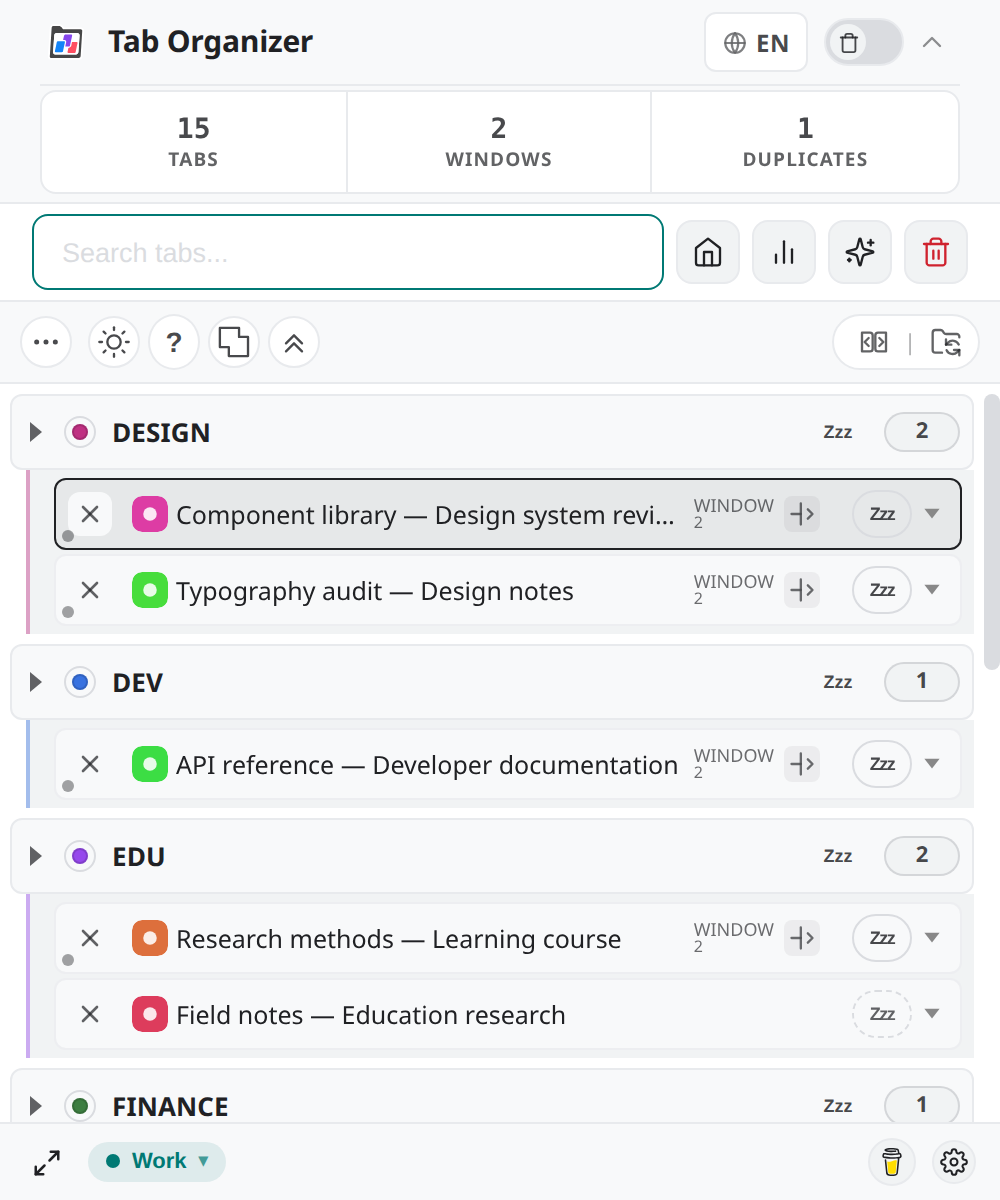
A tab appears in UNORDERED
The tab might not match a more specific domain or page-title rule. Refresh the extension data, then assign the tab manually or use a custom group.
A pinned tab is not automatically grouped
Pinned tabs are excluded from the central automatic grouping and reorder paths in this version. Unpin only if that matches your intended Chrome workflow.
A manual assignment does not persist as expected
Check whether native sync is changing the browser group, whether another tab event caused reassignment, and whether custom-group storage reported a Chrome Sync error. Capture the exact assignment and status sequence for support.
Sync and Mirror issues
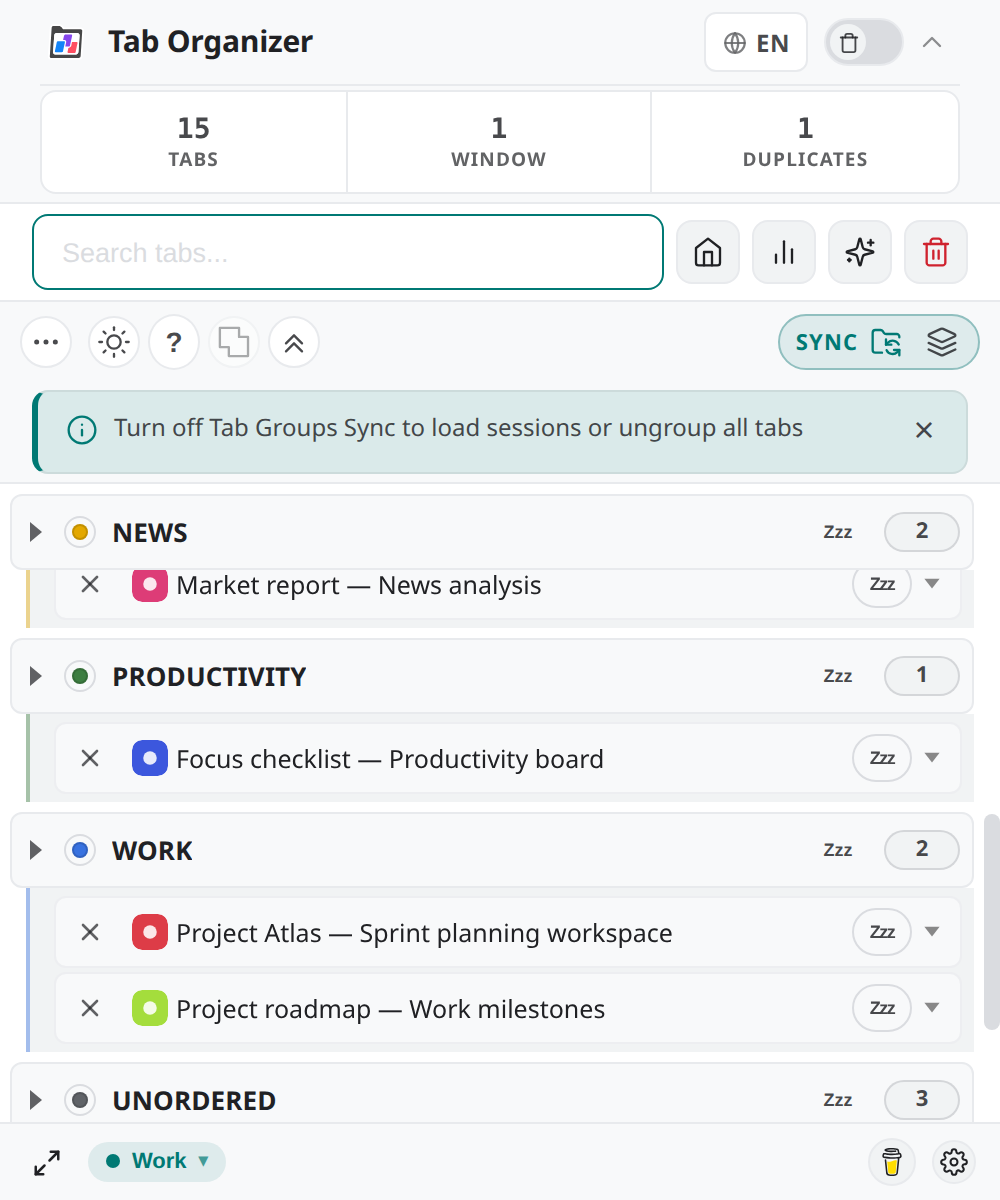
The status shows no SYNC pill / Sync will not activate
Turn off Group Mirror Mode first. Mirror and Tab Groups Sync (BETA) are mutually exclusive. While the MIRROR pill is active, Sync controls are hidden. Read the hint banner or see the Mirror and Sync boundary.
The status remains without an active SYNC pill
Select Enable Sync (BETA) and read Activate Tab Groups Sync?. Existing native Chrome Tab Groups can be overridden, so activation requires confirmation. Managed Chrome policies can also restrict extension behavior.
Mirror is on but I expected automatic categories
Fresh profiles default to Group Mirror Mode. Turn Mirror off to return to automatic category grouping without enabling Sync.
The indicator keeps showing a synchronizing state
Stop making group changes briefly, refresh the popup data, and compare the extension groups with Chrome's tab strip. If they remain different, turn sync off before collecting diagnostics.
Auto-Collapse is unavailable
Enable Tab Groups Sync (BETA) first. Auto-Collapse manages synced native groups, not only the sections drawn inside the popup.
Sleep and Wake issues
Sleep is unavailable for a tab
The active tab always stays awake. Pinned tabs, already sleeping tabs, and pages Chrome refuses to discard are skipped. Switch away from the tab or unpin it only if that matches your workflow.
A batch sleep reports zero results
Every selected tab may be active, pinned, already sleeping, or restricted. Review the summary counts and eligibility boundaries.
A sleeping tab did not free memory
Chrome may discard tabs independently. Reload the tab manually with Wake if the row still shows a sleeping state.
Session issues
Load Session is disabled
Turn off Tab Groups Sync (BETA). This version blocks session loading while sync is active.
The extension reports invalid JSON
Do not change the schema marker or filename to force a load. Obtain a clean export and verify that no editor, transfer tool, or sync conflict truncated the file.
The file is newer or older than the supported format
A newer-file message requires a compatible extension version. An older incompatible file reports that migration is required. This version uses session schema 1.0.0.
Restored windows appear in unexpected positions
Display count, resolution, scaling, and arrangement may differ from the saved environment. Move the windows into view and verify tabs before enabling sync. Follow the restore verification checklist.
Search issues
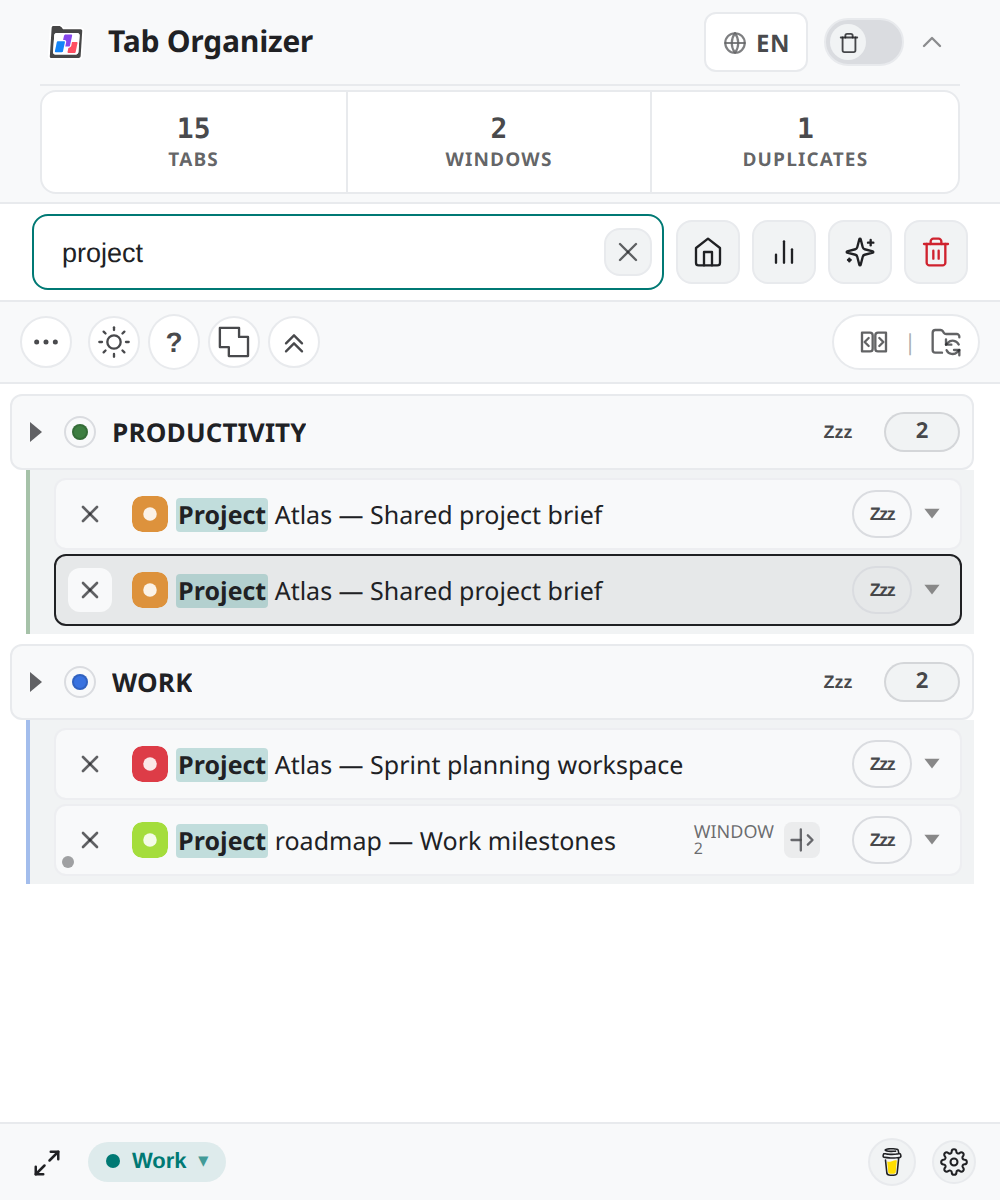
A known open tab is missing
Clear the search text, remove group and window filters, switch to the unified list, and refresh. Search covers displayed open tabs rather than closed-tab history.
Arrow keys or Enter do not select a result
Place focus in Search tabs..., enter a query, and try again. Escape clears a non-empty query; with no query, it closes the popup.
A global shortcut does nothing
Open chrome://extensions/shortcuts, find Tab Organizer, and check for an unassigned command or conflict. Chrome and the operating system control shortcut availability.
Get support
After completing the relevant checks, use the maintained Support destination shown in the documentation interface. Include:
- Tab Organizer version and Chrome version;
- operating system;
- the exact error text;
- a minimal sequence that reproduces the issue;
- whether Tab Groups Sync (BETA) was on;
- the number of relevant tabs, groups, and windows; and
- whether the problem occurs after reopening Chrome.
Do not attach a .tabsession file by default. It can contain URLs, page titles, group names, and display metadata. If support explicitly needs a sample, reproduce the issue with synthetic tabs and inspect the file before sharing it.