
Reference
Session files
Understand the contents, compatibility, export, import, and website boundary of Tab Organizer session files.
Switch to DeutschTab Organizer uses a JSON-based .tabsession file to move a captured browser layout into and out of extension storage. The file is portable, readable, and potentially sensitive.
File purpose
A session uses schema version 1.0.0 and can include:
| Area | Example fields |
|---|---|
| Session | ID, name, creation time, schema version, and platform |
| Tabs | URL, title, favicon URL, pinned state, active tab, and group membership |
| Groups | Title and Chrome group color |
| Windows | Position, size, state, focus, and incognito flag |
| Displays | Bounds, work area, and display metadata |
The file is not encrypted. It also contains a checkmark derived from sorted tab URLs and a bundled constant, but no corresponding import verification path was found in this version. Do not treat that field as encryption, authenticity proof, or effective integrity protection.
Export a session file
- Arrange the windows, tabs, and groups you want to record.
- Select Save session.
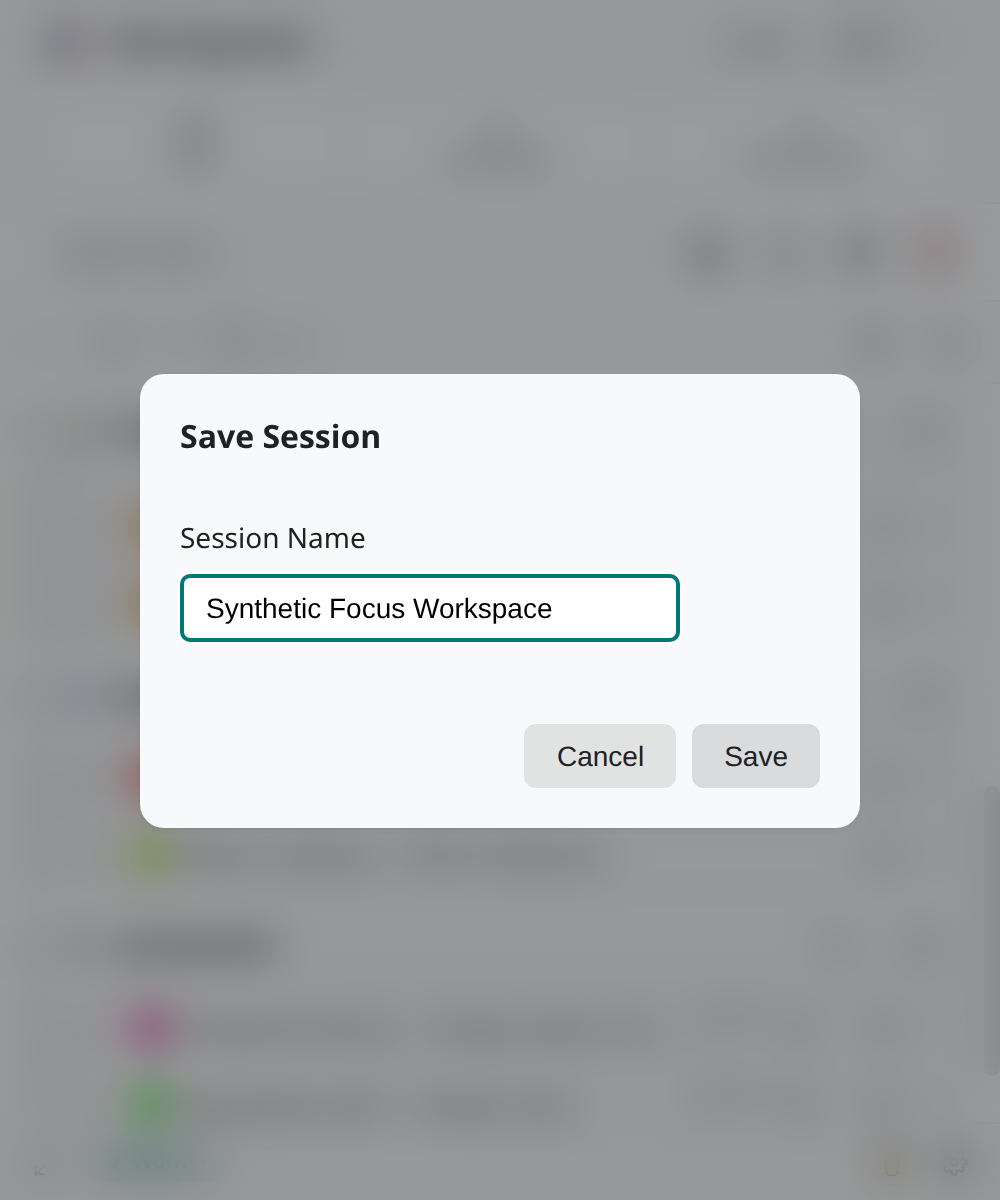
- Name the session and review any off-screen window warning.
- Save the generated
.tabsessionfile in a location you control. - Confirm the file exists before closing or reorganizing current tabs.
The extension also retains up to five complete captures in local Recent Sessions. That local list is separate from exported files.
Import a session file
The file picker accepts .tabsession and .json; the drop area explicitly expects .tabsession. The extension parses JSON and checks the session schema version before offering restore options.
- Open Load Session with sync off.
- Select Browse Files or drop a
.tabsessionfile in the designated area. - Stop if the extension reports invalid JSON, a newer version, or an older format that requires migration.
- Review Create Groups, Ignore Groups, Single Window, and Multi Window as applicable.
- Confirm Load Session? only when replacing the current tabs is intentional.
Changing the filename extension or schema marker does not make an incompatible file safe or compatible.
Website boundary
Session export and import happen in the installed extension. The Tab Organizer website is not an upload destination for .tabsession files and is not part of the restore path.
Your browser, operating system, storage provider, or sharing tool may process a file when you save, sync, back up, or send it. Those flows are outside the website boundary. Keep session files out of public folders and support messages unless disclosure is necessary and explicitly requested.
For the full replacement procedure, use Restore a session.