Guides
Group names, domains, and packs
Rename canonical group labels, assign extra domains, and see what applies to community packs.
Canonical groups come from automatic grouping. Taxonomy edits change how those groups are labeled and which extra domains they claim. Custom groups are a separate destination you create yourself — see Create and manage custom groups.
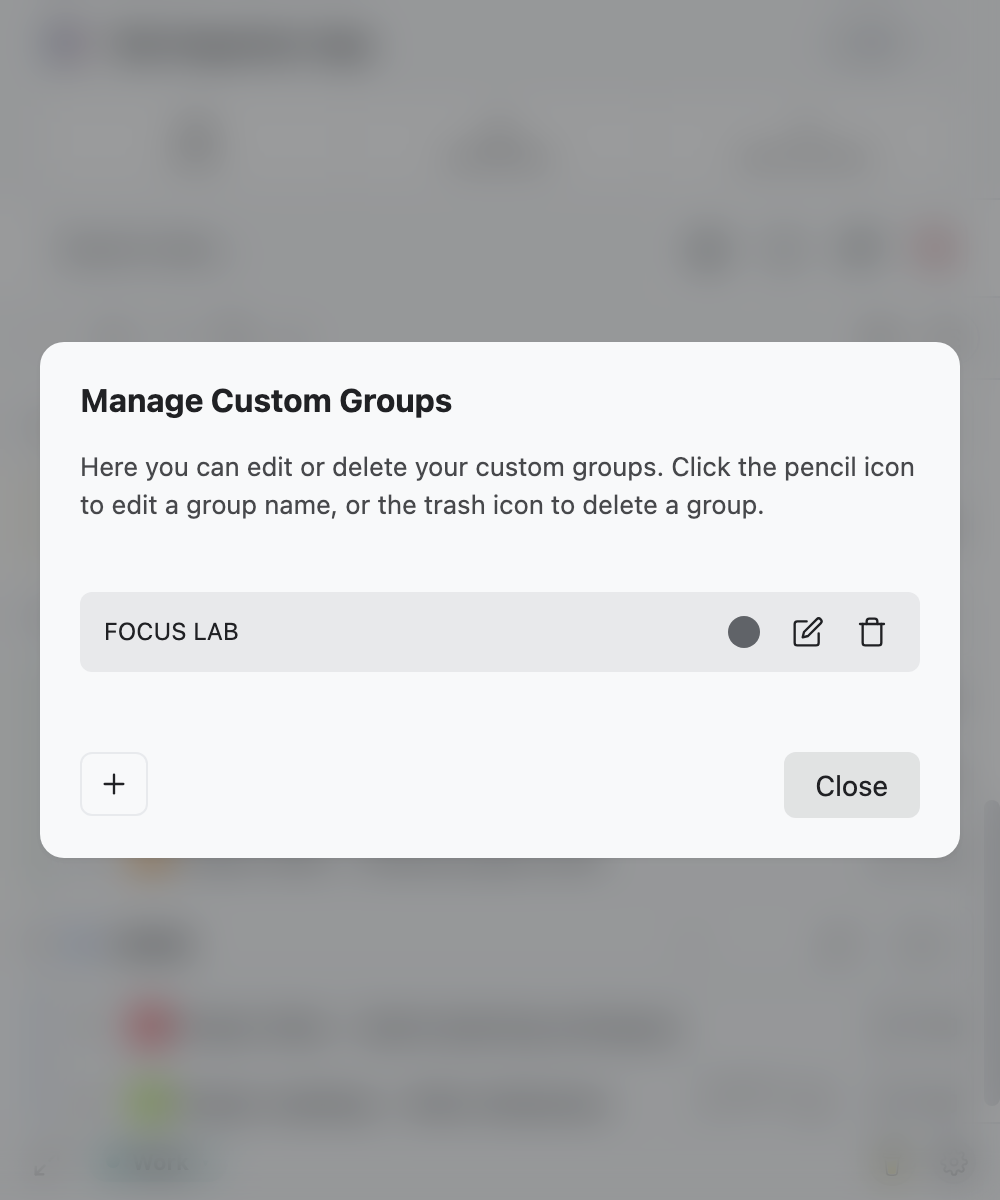
Display names
Each canonical group header can show a display name that differs from the internal group key.
- Open the Groups view.
- Open Group actions on the group header.
- Choose Rename display name.
- Enter the label you want in the list and save.
The display name changes the label in Tab Organizer App. It does not rename native Chrome Tab Groups by itself. Native titles follow Mirror or Tab Groups Sync (BETA) when those modes are active.
Extra domains
Use Assign domain when a site should join a canonical group that automatic grouping does not already choose.
- Open Group actions on the target group.
- Choose Assign domain.
- An input field appears in the group header. Enter the domain you want this group to claim.
- Confirm with
Enter.Escapecloses only the field and assigns nothing. - Confirm matching tabs appear under that group.
An extra domain is a taxonomy override, not a full Tab Rule. For URL, title, regex, or wildcard matching, use Tab Rules.
Community packs
A community pack is a local .topack.json file with rules and taxonomy.
To move rules and group names, use a backup instead: use Export backup (JSON).